Trading Analytics Journal
A data-driven trade journal that tracks performance, discipline, and consistency with analytics and visual dashboards.
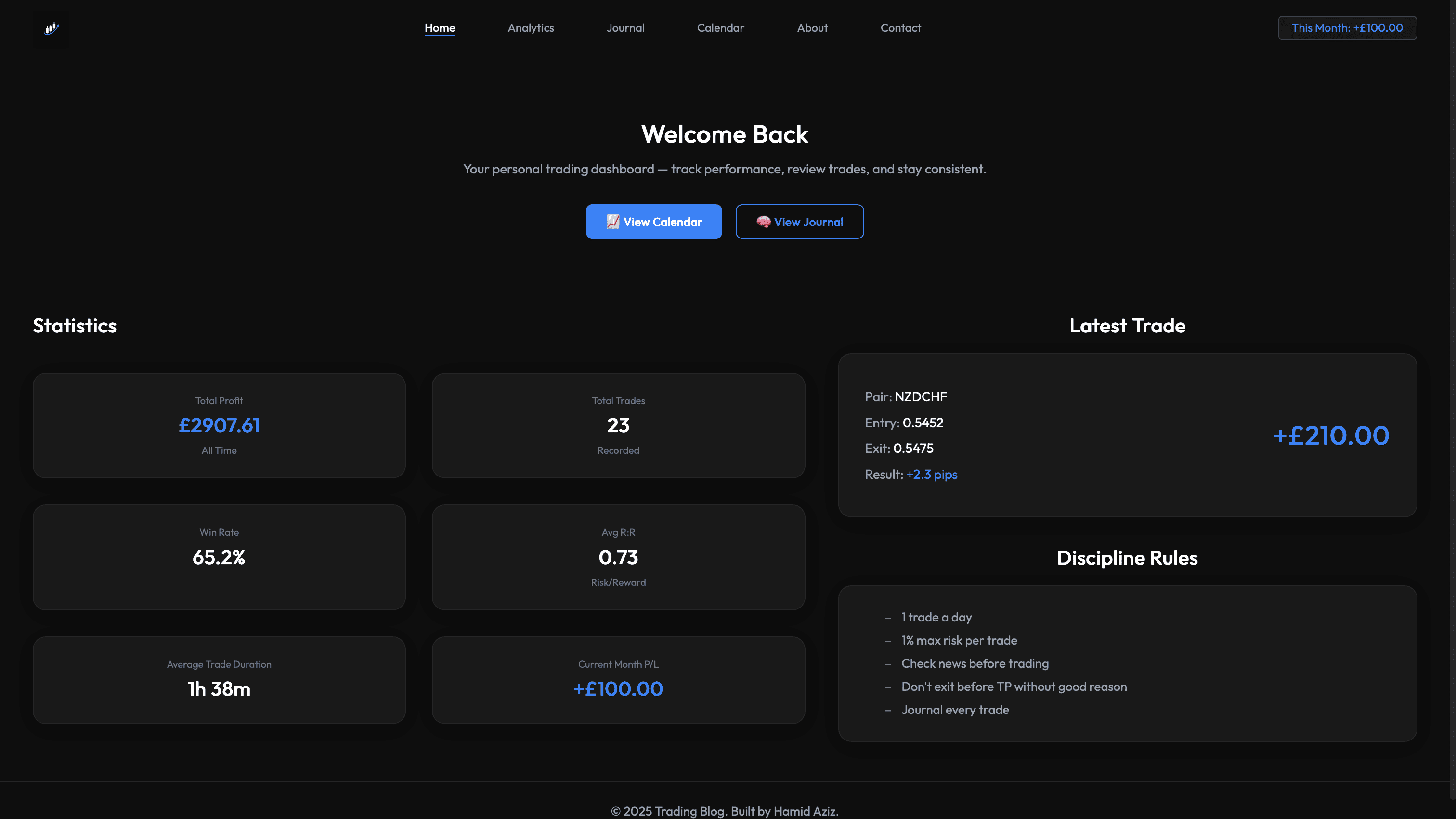
Overview
Trading Analytics Journal is a full-stack app for logging trades and turning raw activity into reliable performance insights. It replaces scattered notes with structured data and consistent calculations.
The focus is on fast review: clear metrics, trend charts, and pair/session breakdowns that highlight discipline and patterns.
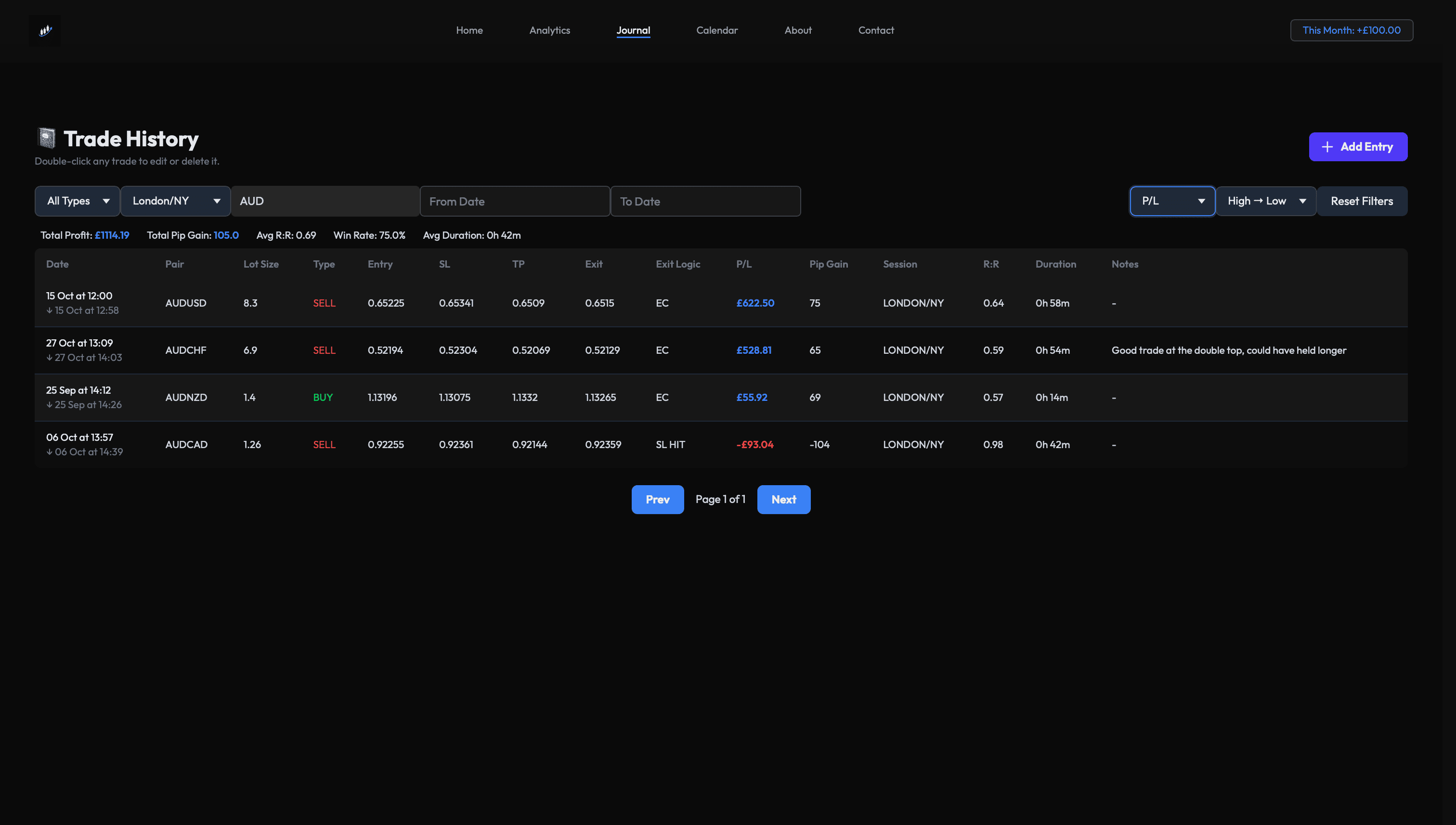
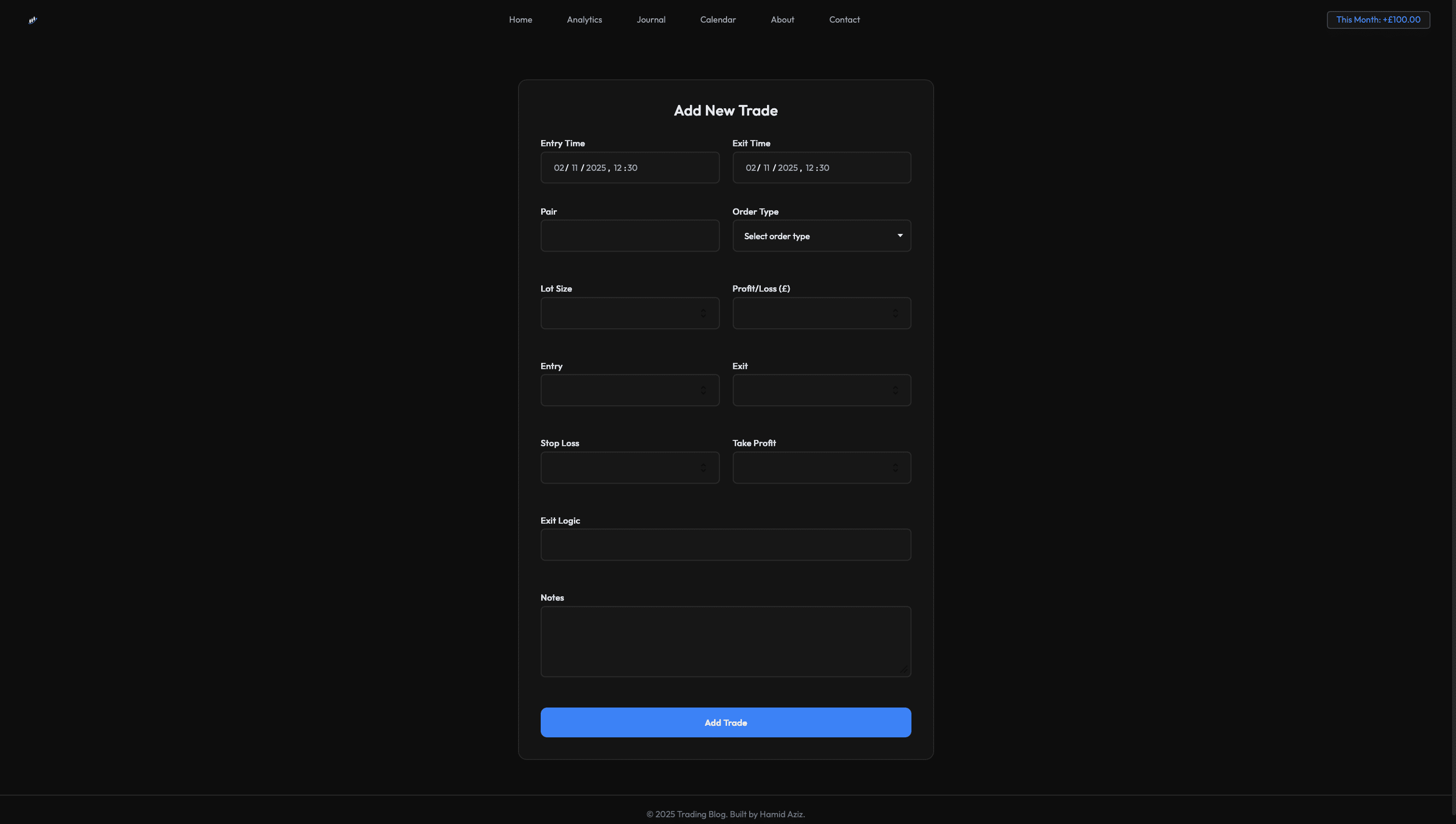
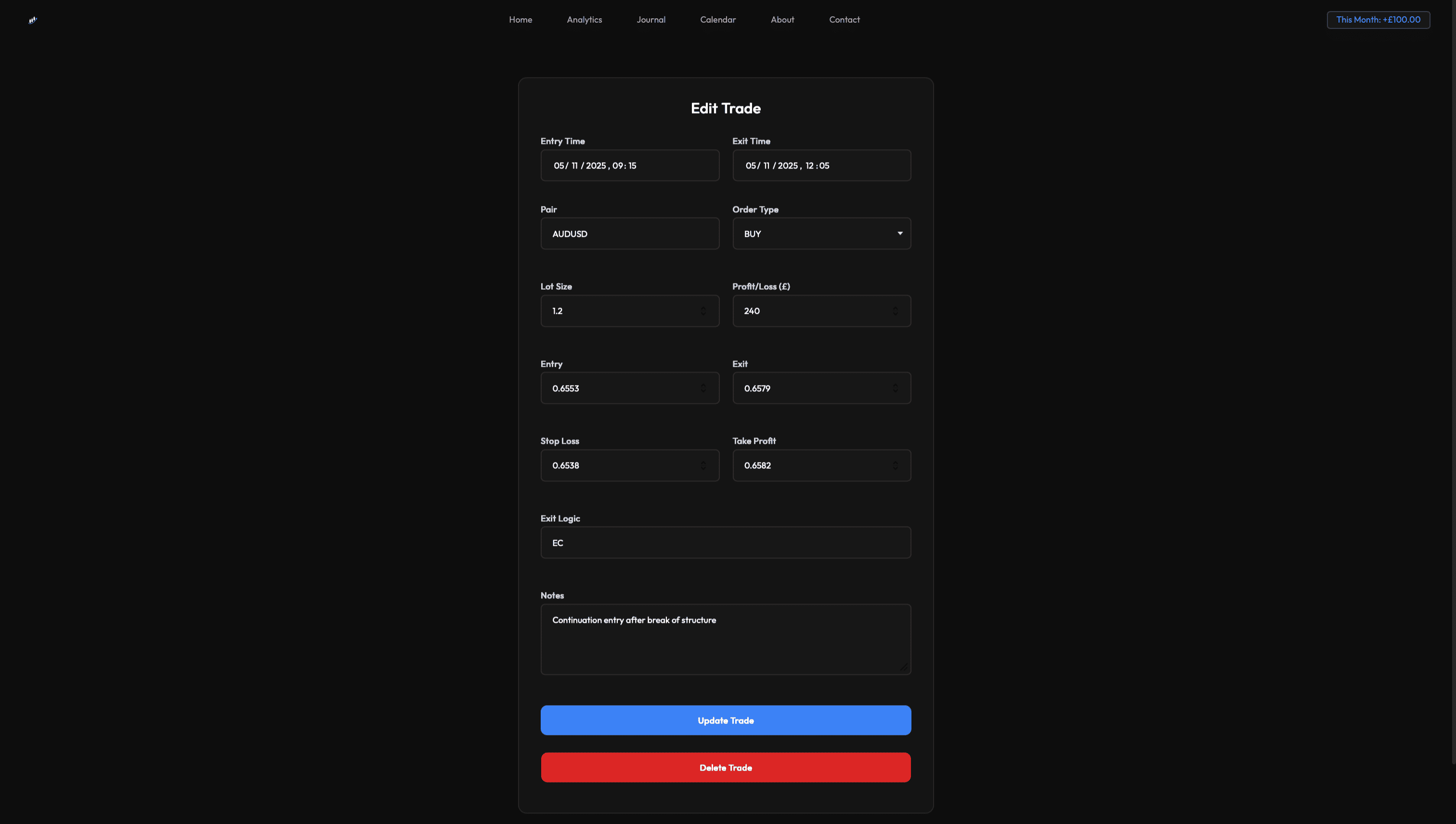
- Trade journal with full CRUD and validation.
- Search, filters, and sorting across key trade fields.
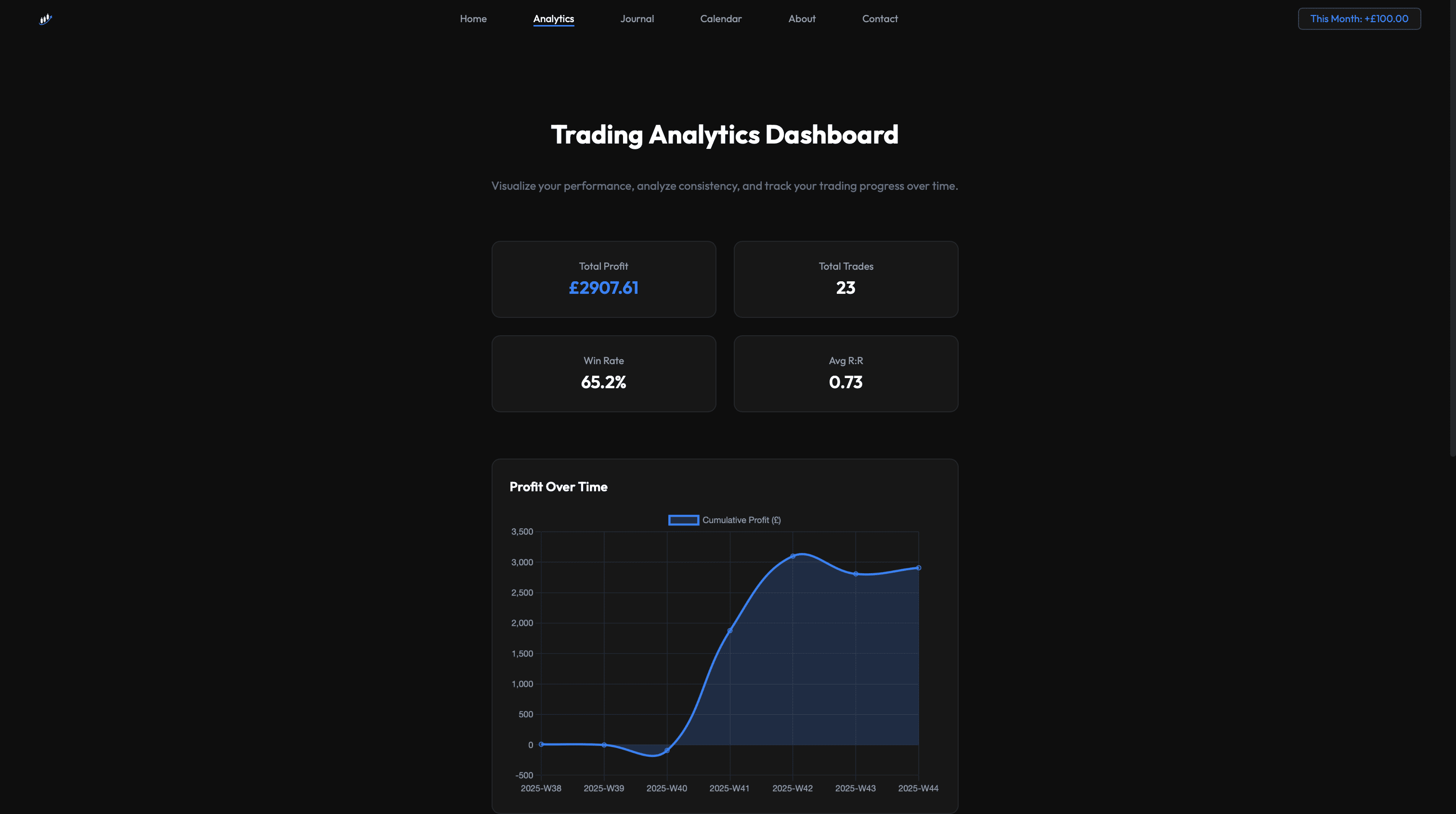
- Automated stats and chart-based analytics.
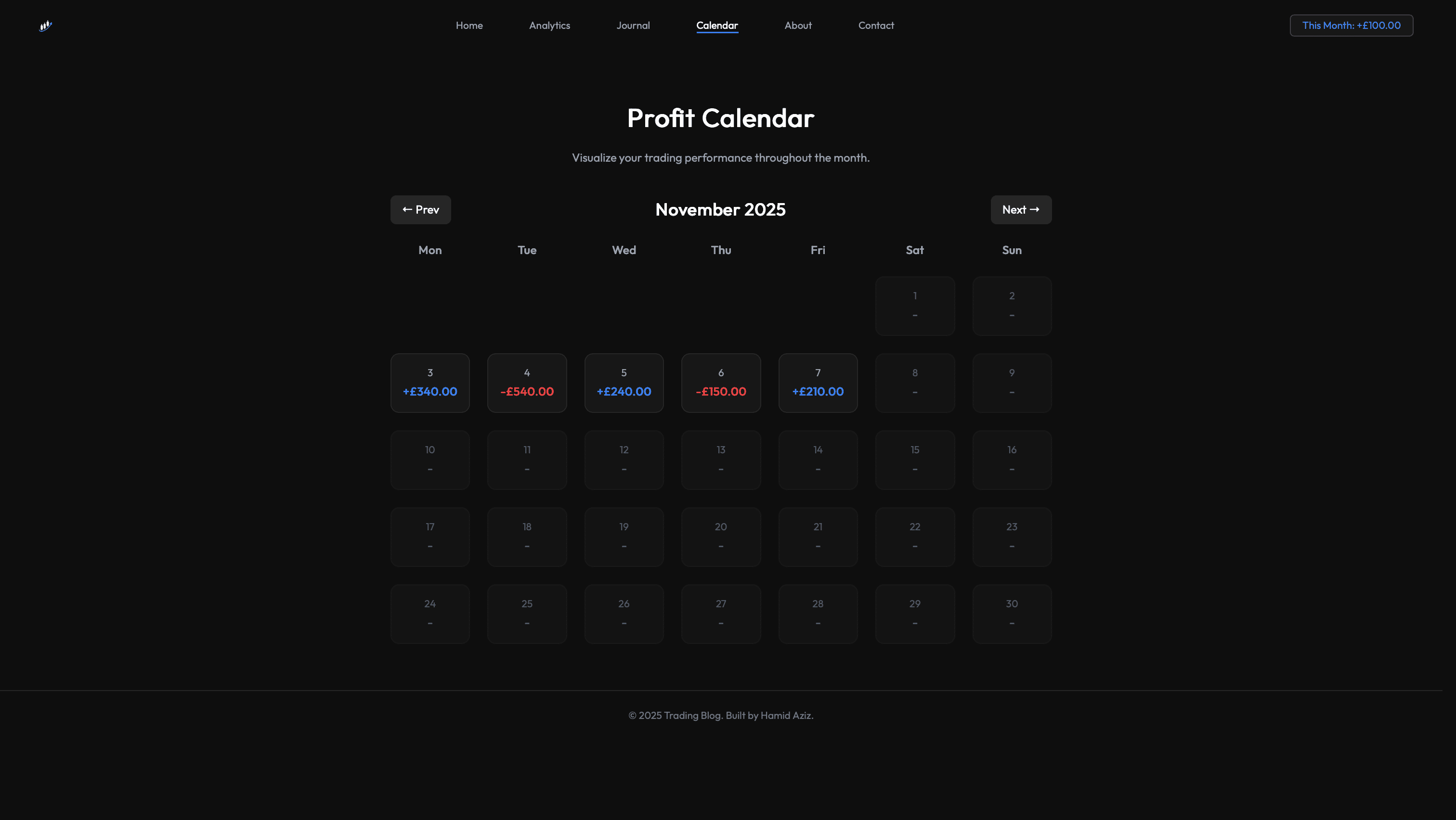
- Profit calendar for daily and monthly visibility.
The Problem
Traders often track performance across spreadsheets or notes, making it hard to review objectively or spot consistency issues.
Without clean data and reliable metrics, it's difficult to identify what is working, what is not, and where discipline breaks down.
Constraints
The stack needed to stay lightweight while still delivering accurate calculations and responsive UI. The data model had to be simple, but capable of meaningful analytics.
- Fast UI and reliable calculations.
- Simple schema with room for analytics.
- Useful insights without overengineering.
- Consistent validation and aggregation queries.
Solution
I designed a clean trades schema first, then built CRUD flows with validation and search. Once the dataset was stable, I layered in aggregate queries and dashboards.
The UI stays minimal while surfacing the most important metrics for review: total profit, win rate, risk ratios, and session or pair breakdowns.
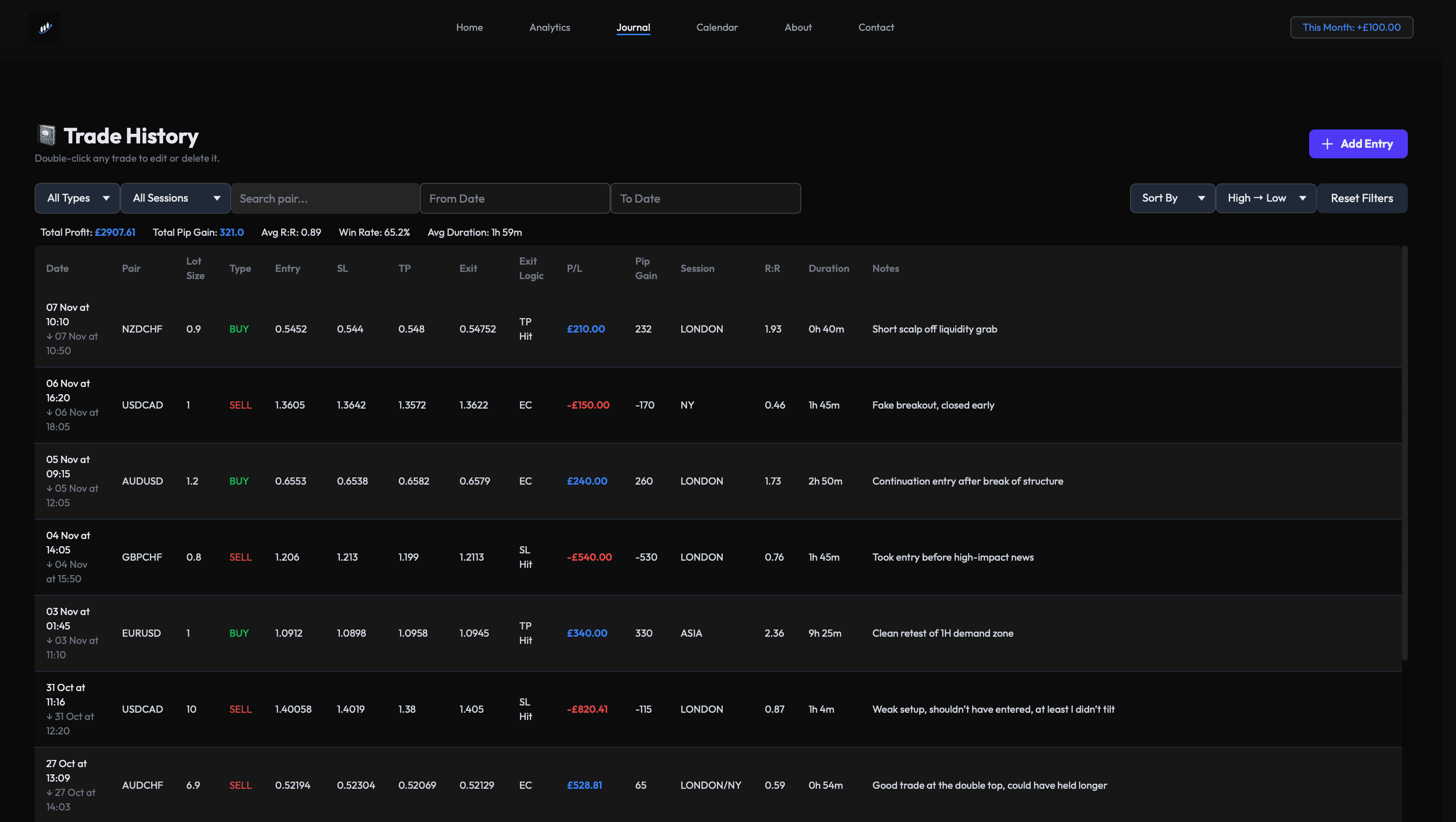
Journal table
Full trade log with CRUD, filters, and sorting.
Summary metrics
Auto-calculated totals, win rate, and risk ratios.
Analytics charts
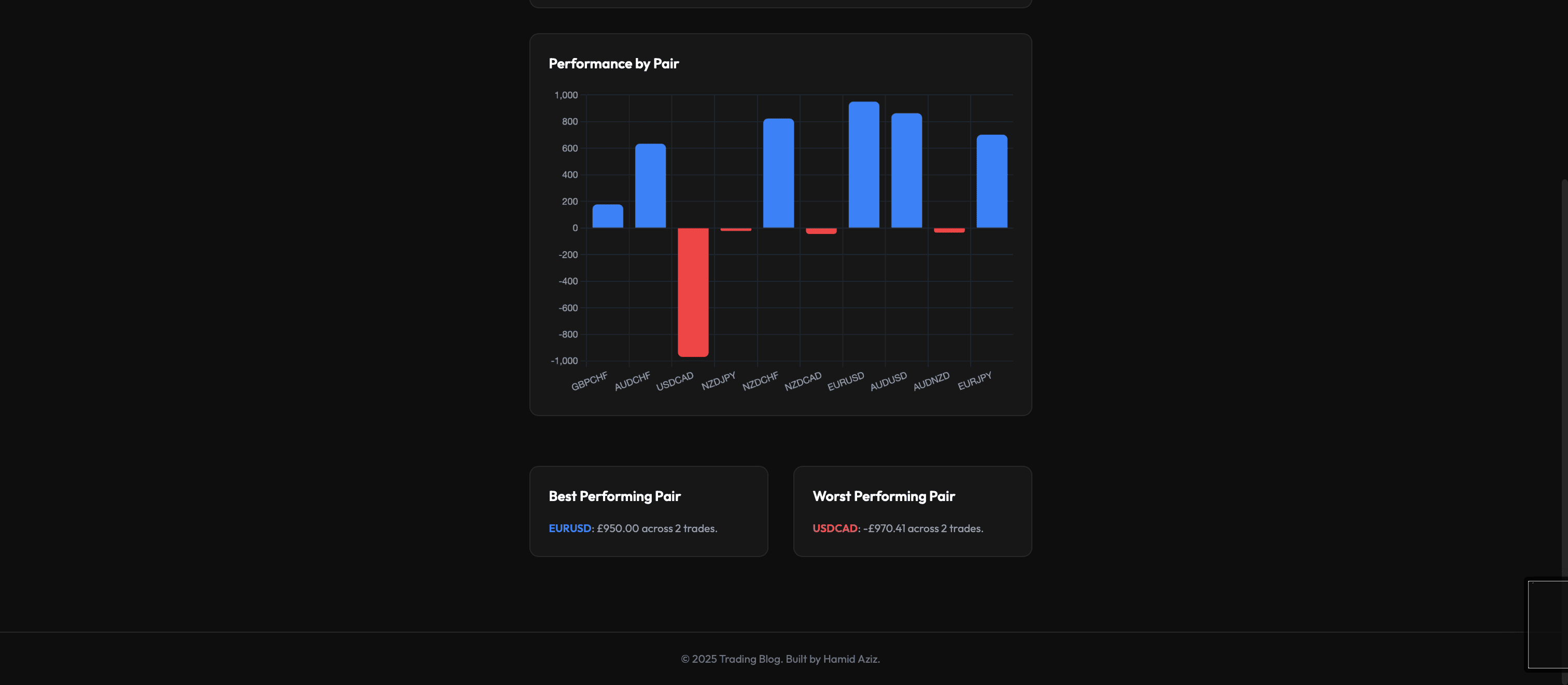
Chart.js dashboards by pair and session.
Profit calendar
Day-by-day results for pattern recognition.
Architecture & Data Model
The app follows an MVC-style structure with Express routes, controllers, and a small data layer for SQLite queries. EJS templates render views, while lightweight front-end modules handle charts and interactions.
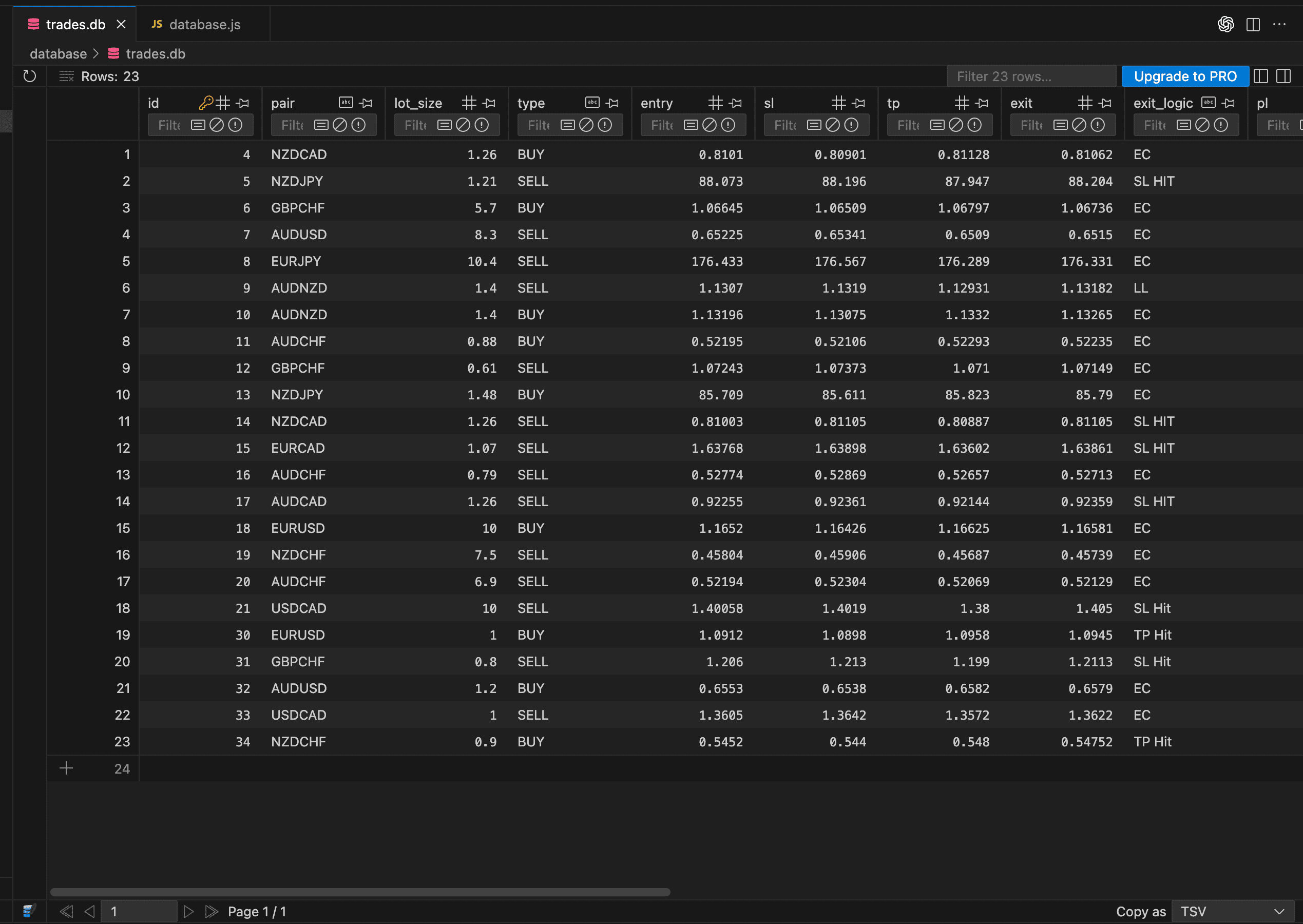
The trades table captures pair, direction, entry/exit, SL/TP, exit logic, session, timestamps, and P/L for reliable analytics.
- RESTful routes for CRUD and filtering.
- Aggregation queries for metrics and charts.
- Clean separation of views and controllers.
Key Screens
Outcome
- Enables fast review of trading performance and consistency.
- Surfaces pair and session patterns through analytics.
- Automates core metrics for objective decision-making.
- Demonstrates full-stack delivery with clean structure.